Inventory tracking for wholesalers and warehouses
LineerStok lets you track the quantity, batch and cost of every product in your warehouse from your phone. It links stock out to a customer, takes purchase requests through an approval flow and records every movement. It does not handle invoices or account ledgers; it manages the stock side.
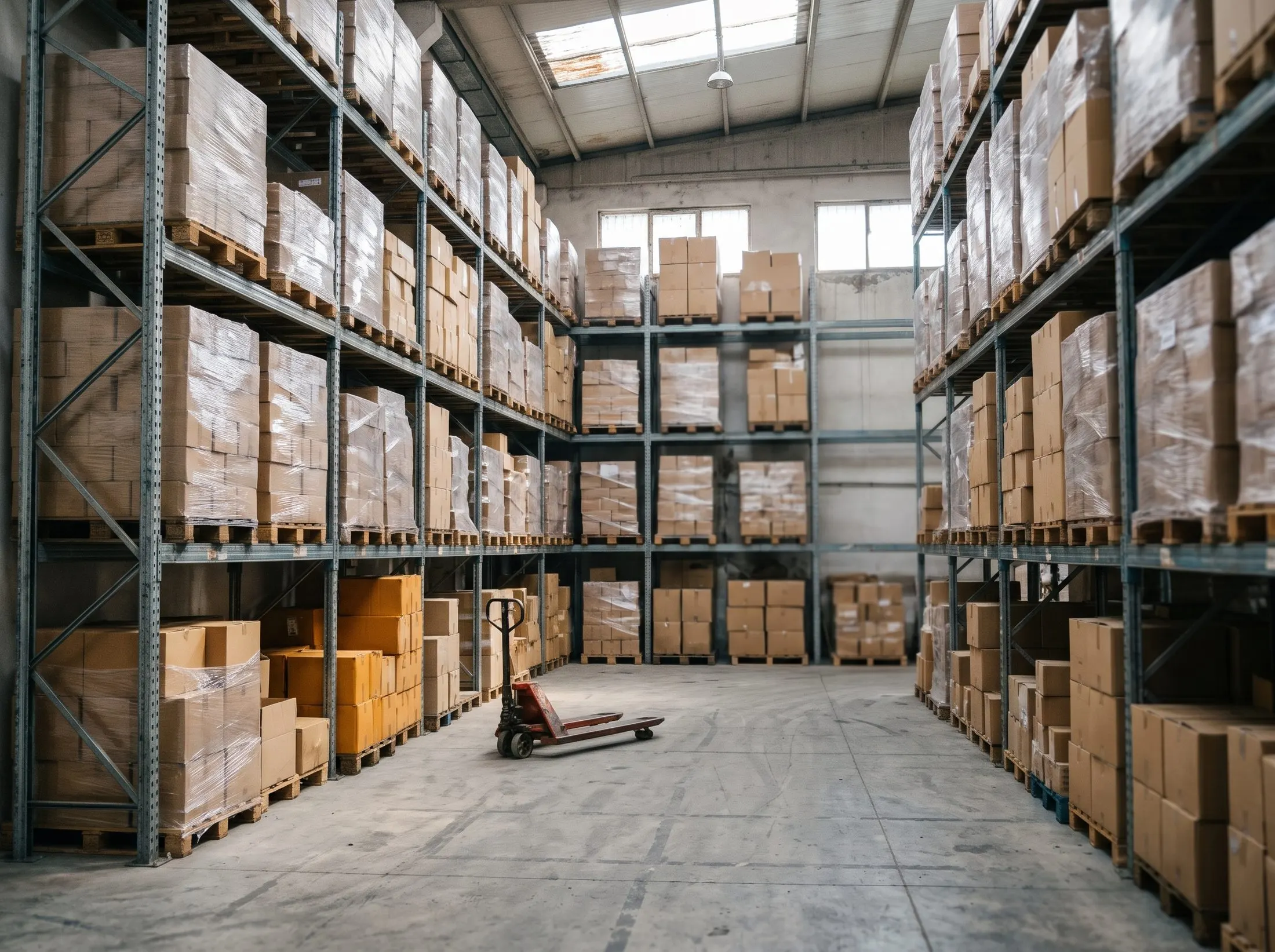
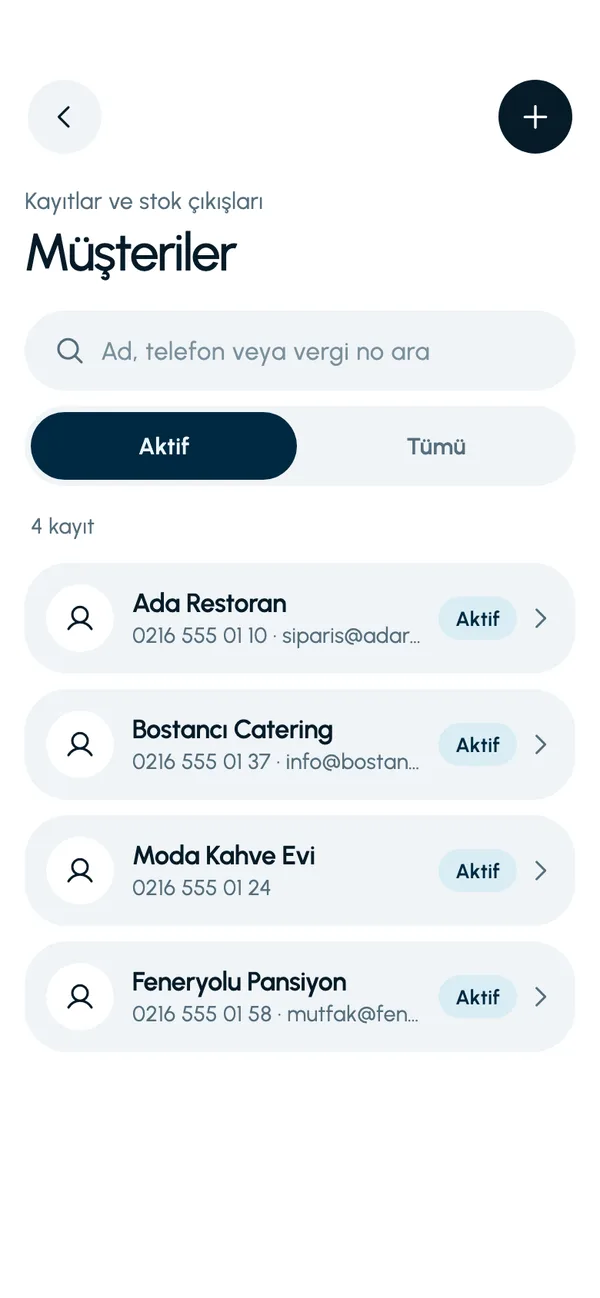
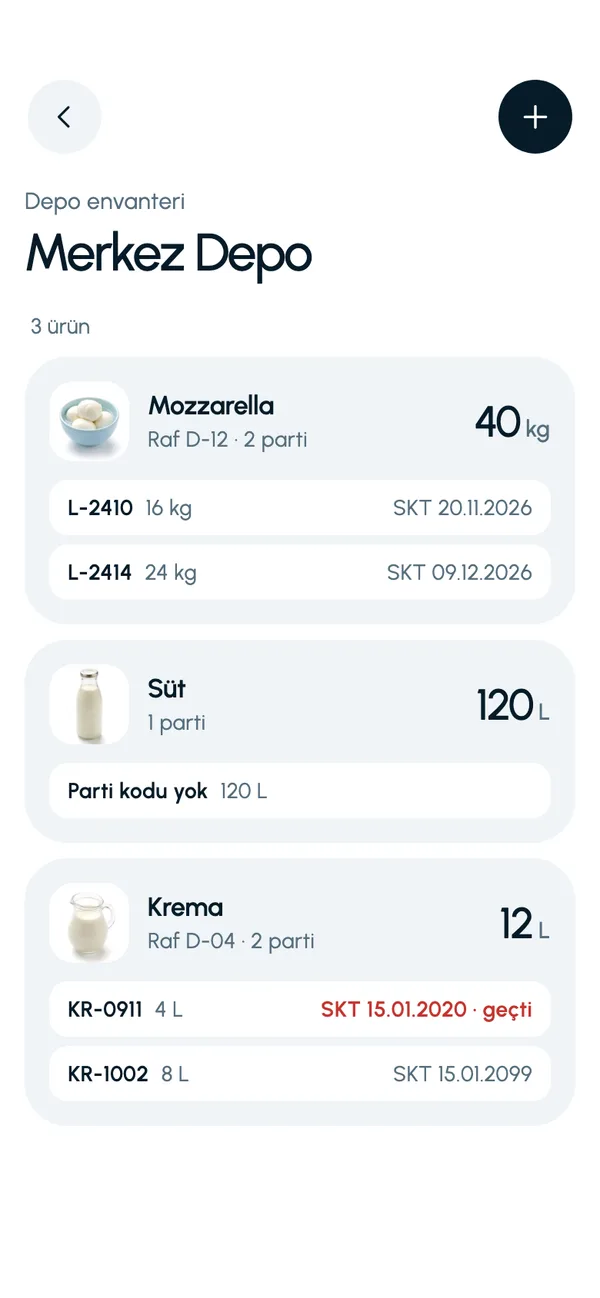
The business and products on these screens are sample data (a restaurant). You define your own products, units and categories.
Familiar problems and how the app handles them
Which goods went to whom?
Link a stock out to a customer. On the customer's card, see all the stock issued to that customer, with the dates.
Old batches left at the back
Every stock in is recorded with a batch code. For products with expiry tracking turned on, the batch with the nearest expiry date is deducted first at stock out.
How much money is tied up in the warehouse?
The Summary screen (Özet) shows stock value category by category: each product's quantity is multiplied by its unit cost.
Orders tracked by phone and notebook
A purchase request is raised and approved in the app, and stock goes up automatically on receipt. Pending and received requests are shown separately.
A day with LineerStok
- 1
Receiving
Receive the approved request and enter the batch code and, if there is one, the expiry date.
- 2
Dispatch
Record the stock out with the customer selected. The movement is written to the history of both the product and the customer.
- 3
Review
Go over the day's stock in and stock out on the Stock movements screen (Stok hareketleri).
- 4
Count
Do the count on your phone; any shortage moves to the waste records, with its cost.


Frequently asked questions
Does it handle invoices, delivery notes or account ledgers?
No. Linking to a customer only associates the stock out with that customer; it does not create an invoice, delivery note, payment or ledger entry.
Is there shelf and bin location tracking?
A shelf code can be entered on a product and shows in the inventory. There is no addressing at aisle, bin or pallet level, and there are no pick lists.
Can I have more than one warehouse?
Yes. Central warehouses and branches are set up under the business. Transfers go from a central warehouse to a branch, with the batch selected; direct branch-to-branch transfer is not available yet.
Do I need a computer to use it?
No. LineerStok is a mobile app; everything is done on the phone. There is no web panel, and it needs an internet connection to work.
Let us set up your stock together
We will walk you through the app with your own products and branches. The demo is free and takes about 30 minutes.