Inventory tracking for grocery stores
LineerStok lets you manage the stock in a grocery store's storeroom and on its shelves from your phone. It finds products by barcode, brings batches with approaching expiry dates to the front, shows items that have dropped below their minimum level and records count shortages with their cost. It is not a POS system; it keeps the stock side alongside your register.
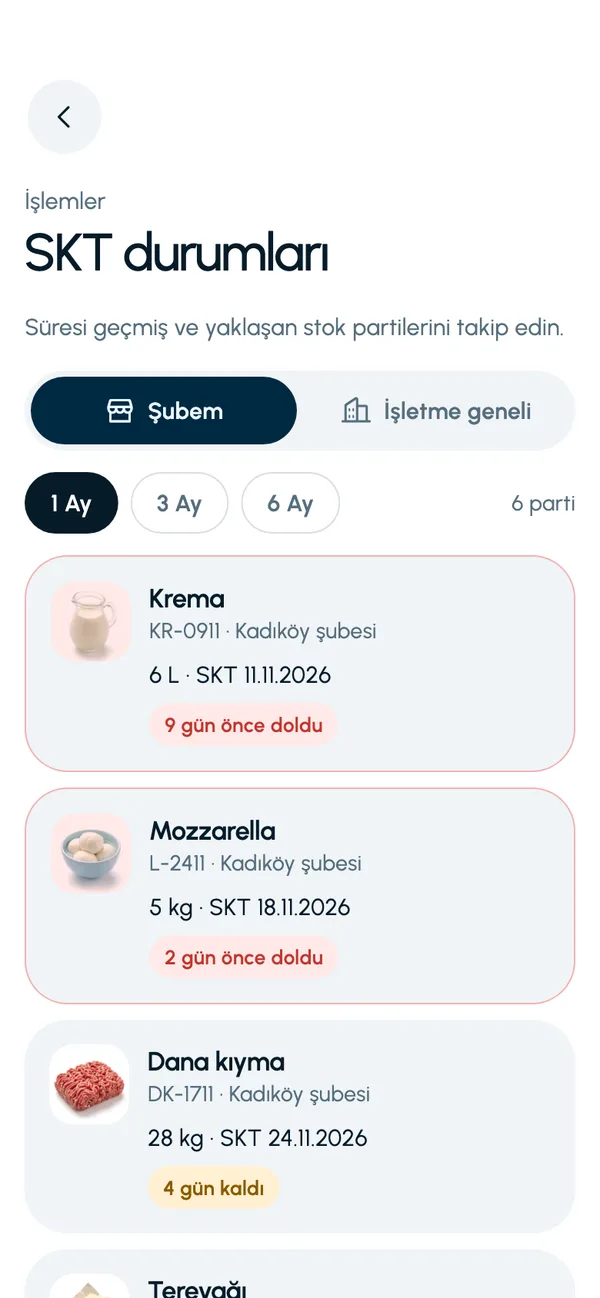
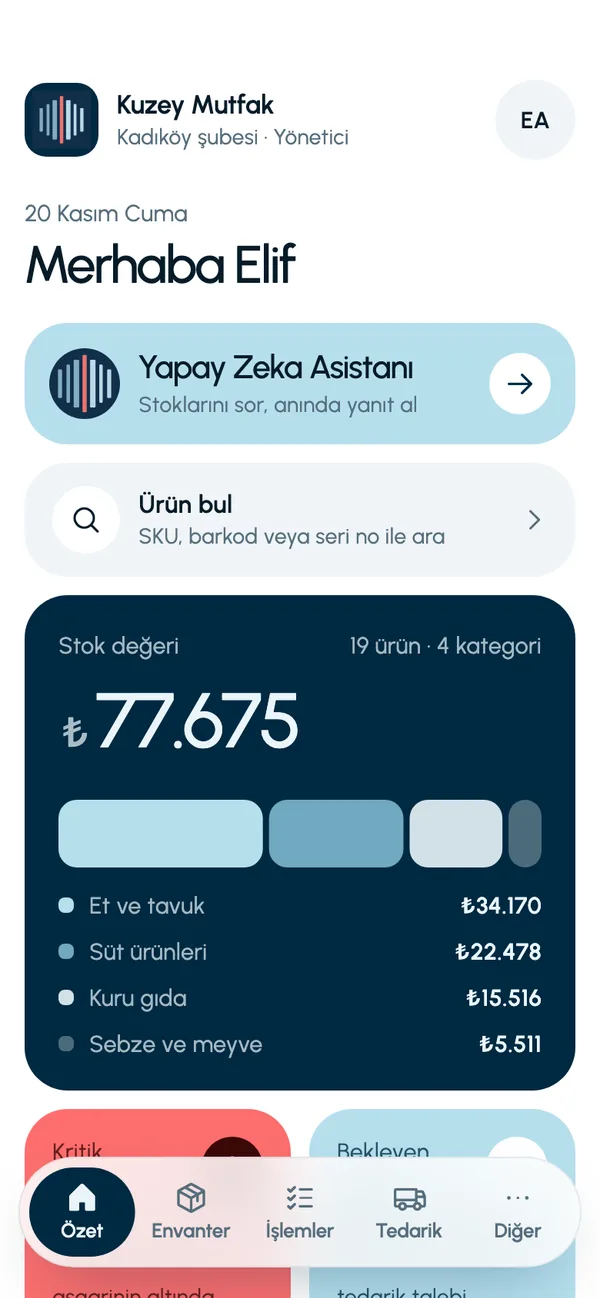
The business and products on these screens are sample data (a restaurant). You define your own products, units and categories.
Familiar problems and how the app handles them
Expired products on the shelf
Every stock in is recorded with a batch code and an expiry date. Expired batches and batches expiring within seven days are listed separately, so you arrange the shelf by date.
Is it in the storeroom or not?
Scan the product's barcode or search by SKU; see the quantity in the branch and its batches right away.
Products reordered too late
Give the product a minimum level. An item that drops below it appears as critical on the Summary screen (Özet).
Shortages found in the count
Do the count on your phone. When you approve it, the variances are applied to stock and any shortage moves to the waste records, with its cost.
A day with LineerStok
- 1
Receiving
Receive incoming goods against the approved purchase request. Enter the batch and expiry date; stock goes up.
- 2
Restocking shelves
Record the quantity taken from the storeroom to the shelf as stock out. At stock out, the batch with the nearest date is deducted first.
- 3
Date check
Look at the batches expiring this week on the Expiry status screen (SKT durumları).
- 4
Month-end count
Do the count on your phone and approve the variances.


Frequently asked questions
Is LineerStok a POS or sales system?
No. LineerStok does stock management only; it has no sales, cash register, receipt or invoicing functions. Stock does not go down automatically as sales are made; stock out is recorded in the app and verified by counting.
Do I have to enter thousands of products one by one?
Products are created one at a time in the app; bulk import from Excel is not available yet. For that reason LineerStok is most useful for product groups whose dates and quantities need close watching. We do the initial setup together.
Can I count by scanning barcodes?
A barcode is scanned to find a product. A count is done by entering quantities on the product list; counting by barcode scan is not available yet.
What if I have more than one branch?
Each branch manages its own stock, and the business admin sees all branches on one screen. Transfers go from the central warehouse to branches, with the batch selected.
Let us set up your stock together
We will walk you through the app with your own products and branches. The demo is free and takes about 30 minutes.